Oct 3, 2026Guides & Education
Laptop & Desk EMF Exposure: Practical Tips for Workdays
A calm guide to laptop EMF exposure at work: free distance habits first, optional desk shielding products second, plus fabric specs to check.
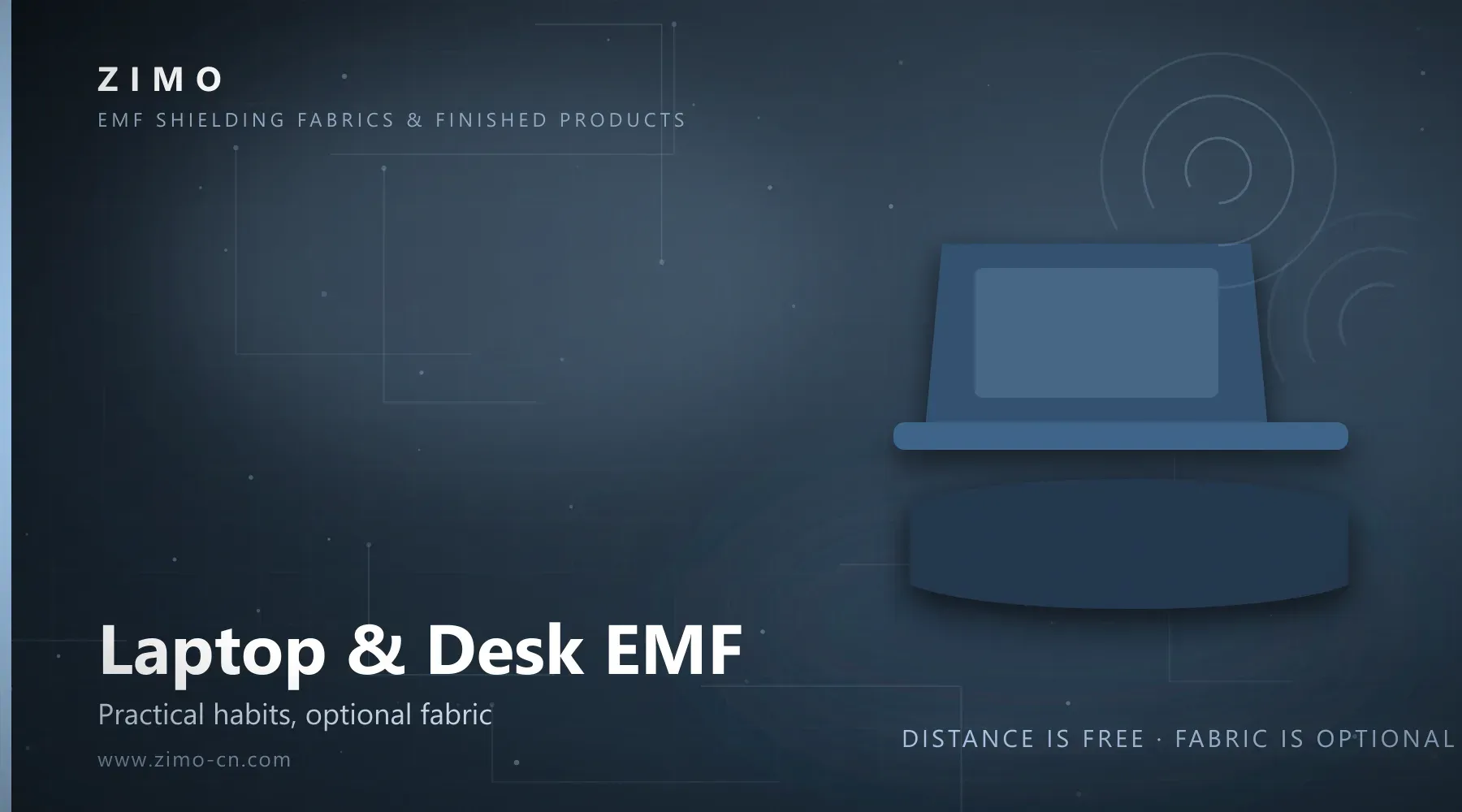
If you spend most of your workday at a laptop, laptop radiation protection usually starts with something unglamorous: layout and habits. Most practical options in an office cost nothing — where the laptop sits, how far your body is from the chassis, where the router and phone live. Local shielding products are a second layer, worth adding only if you prefer to reduce local exposure during long sessions at the desk.
This guide stays deliberately neutral. It explains what you can change for free, what shielding fabrics can and cannot do, and which desk-friendly pieces hold up in a professional setting — no health claims, no scare tactics. It is written for office workers who use a laptop all day, and for brands and online sellers planning an office-scene product line.
Start With Free Habits: Distance Is the Cheapest Layer
Signal strength from any transmitter falls off quickly with distance, which makes spacing the most affordable lever in any desk setup EMF plan. None of the four habits below requires a purchase or anyone's approval.
Keep the laptop on the desk, not on your lap
Lap use is the closest, most sustained body contact a laptop typically has during a workday. A simple rule — machine on the desk, body in the chair — adds distance without changing how you work. If you move to the sofa in the afternoon, that is exactly where a lap barrier (below) earns its place.
Add an external keyboard and mouse
An external keyboard pushes the chassis further away and makes the desk-first habit easier to keep, because you stop pulling the machine toward you to type. It is the same logic ergonomics teams apply for wrist posture.
Move the router off your workstation
In many home offices, the Wi-Fi router sits on or under the desk. If the layout allows, place it a few metres from where you actually sit. In company offices, router placement is usually a facilities decision — a reasonable, low-drama request.
Give your phone a parking spot
During deep-work blocks and lunch, park the phone across the room, in a drawer, or in your bag rather than face-up beside the keyboard. If the phone must stay nearby, a shielding pouch (below) is a discreet middle ground.
If You Prefer to Reduce Local Exposure: Desk-Friendly Options
Habit changes cost nothing. For anyone who still prefers an extra layer — laptop on the lap during travel, long seated hours, a phone that must stay nearby — shielding textiles offer targeted, low-profile options. The table maps common workday situations to a practical measure and the corresponding product type.
Workday scenario | Practical measure | Product to consider
Laptop used on the lap (sofa, lounge, travel) | Lay a shielding blanket over the lap, between device and body | EMF protection blanket
Long seated sessions with the desk edge toward the abdomen | Wear a shielding apron over regular clothes while working | EMF protection apron
Phone kept on silent and offline at the desk | Store the phone in a shielding pouch instead of a pocket or the desk edge | Anti-scanning phone pouch
Neck and shoulders during long sessions | Drape a shielding scarf or shawl over the shoulders | EMF protection scarf
A note on scope: each option addresses exposure in the area it covers, according to tested shielding effectiveness at specific frequency bands — local measures, not room-scale solutions, and they do not change how devices work.
Talking About It at Work Without Spreading Worry
Decide the frame before the conversation:
Personal choice, not a warning. Present your setup like a standing desk: "I find this more comfortable." You are arranging your own workspace, not diagnosing the office.
Keep requests concrete and small. "Could the router move a metre left?" is answerable; "Is the Wi-Fi harming us?" is not a question facilities can act on.
Do not campaign. Colleagues who ask get a short answer and, if they want more, a pointer to neutral reading.
Choose items that look ordinary. A scarf, a throw-style blanket, a phone sleeve read as normal office objects — which keeps the topic quiet by default.
Handled this way, EMF protection office choices stay what they should be: a personal preference, not a debate.
Buying Tips: Fabric Specs Worth Asking About
Whether you are buying one blanket or planning a small office-scene product line, the same three checks apply.
Ask for test data and the tested bands
Shielding effectiveness is measured in decibels (dB) at specific frequency bands, so ask what a fabric was tested against, not just the headline number. Zimo's copper nickel fabric, for example, is manufacturer-tested at 60–90 dB shielding effectiveness, with test reports available on request for applicable specifications; dense silver fiber fabric is specified at around 50–80 dB, and open silver fiber mesh at roughly 20–40 dB. As a rough conversion, 20 dB corresponds to about 99% attenuation and 30 dB to about 99.9% in the tested band.
Stainless steel fabric is the exception: chosen for structure — thick, crisp, nearly non-stretch, suited to shirts, trousers and jackets — and not specified with dB figures.
Check care requirements
Shielding performance depends on the conductive structure staying intact, so washing method matters. Shortlist machine-washable options for a desk rotation and follow the maker's care guidance; our guide to washing EMF shielding fabric covers the details. Items that are hard to clean rarely survive real office life.
Match the look to the workplace
Office-friendly pieces share three traits: neutral colors, an ordinary silhouette, and dual use. A shawl stays a shawl; a blanket doubles as a lap throw; a pouch looks like a normal sleeve. If a product only makes sense as "shielding gear", it will stay in the drawer — a point brands should weigh when curating an office category.
FAQ
Does a laptop emit much radiation?
Laptop EMF exposure comes from radio transmitters (Wi-Fi, Bluetooth); like most connected electronics, a laptop produces low-level emissions while in use, and actual levels vary by model and usage. This guide does not draw health conclusions — whether to adjust your setup is a personal decision, and the habits above are free either way.
Can a shielding blanket block everything?
No. A blanket works on the area it covers and performs according to its tested shielding effectiveness at particular frequency bands. It is not a guarantee for every device, band or direction of use — no responsible maker should promise total blocking.
Is one blanket enough for lap use?
Placed between the device and your body, a blanket addresses the lap zone — the closest contact point in a typical workday. It does not turn a laptop into a shielded enclosure, and it is not a whole-body measure. Combined with the free habits above, it covers the situations where distance is hardest to keep.
What can I use at the office without it looking odd?
The low-profile shortlist: a scarf or shawl over the shoulders, a throw-style blanket across the knees, and a pouch that resembles a normal phone sleeve. All three read as ordinary desk items, so your setup stays quiet.
Which option suits a pregnant colleague?
Start from a medical frame: anyone who is pregnant and considering changes should discuss them with their healthcare provider first. If she still prefers desk-friendly options, our guide to EMF protection during pregnancy applies the same personal-choice framing in more detail.
Ask About Desk-Friendly Shielding Pieces
Zimo supplies EMF shielding fabrics and finished pieces — copper nickel fabric, silver fiber fabric, blankets, aprons, scarves, anti-scanning pouches and RFID blocking bags. Standard items are available without MOQ; customized orders and OEM/ODM finished products are supported, with MOQ agreed per project. Ask about desk-friendly shielding pieces to receive fabric specifications and applicable test documentation.
Related Reading
EMF Protection Blanket
EMF Protection Apron
Anti-Scanning Phone Pouch